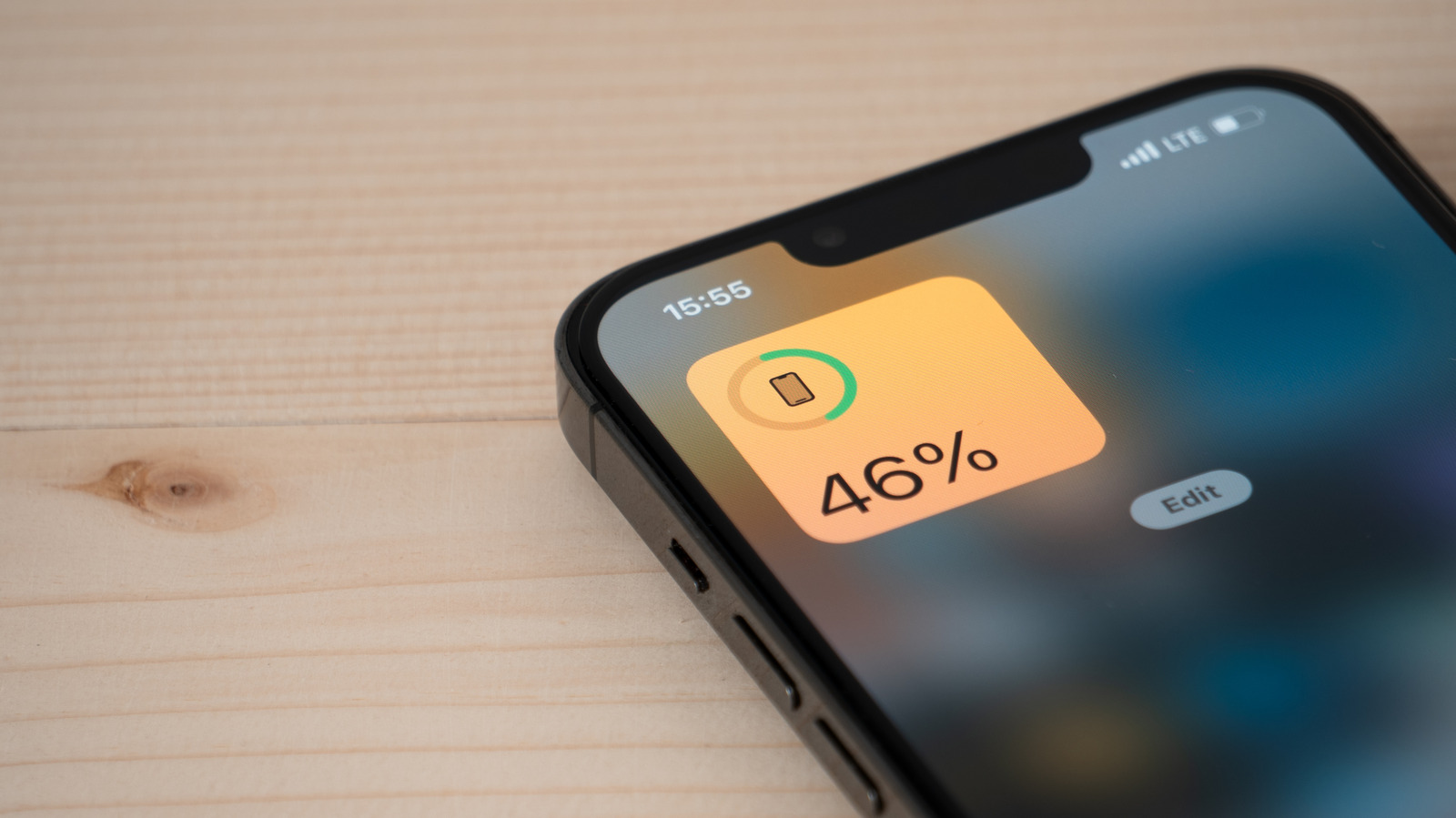
Is It Safe To Use A USB-C Laptop Charger On Your Phone?
A high-wattage USB-C laptop charger is generally safe to use with a modern smartphone because USB Power Delivery lets the phone pull only what it needs. Cheap cables and counterfeit chargers remain the real risk.
Intelligence analysis by Llama
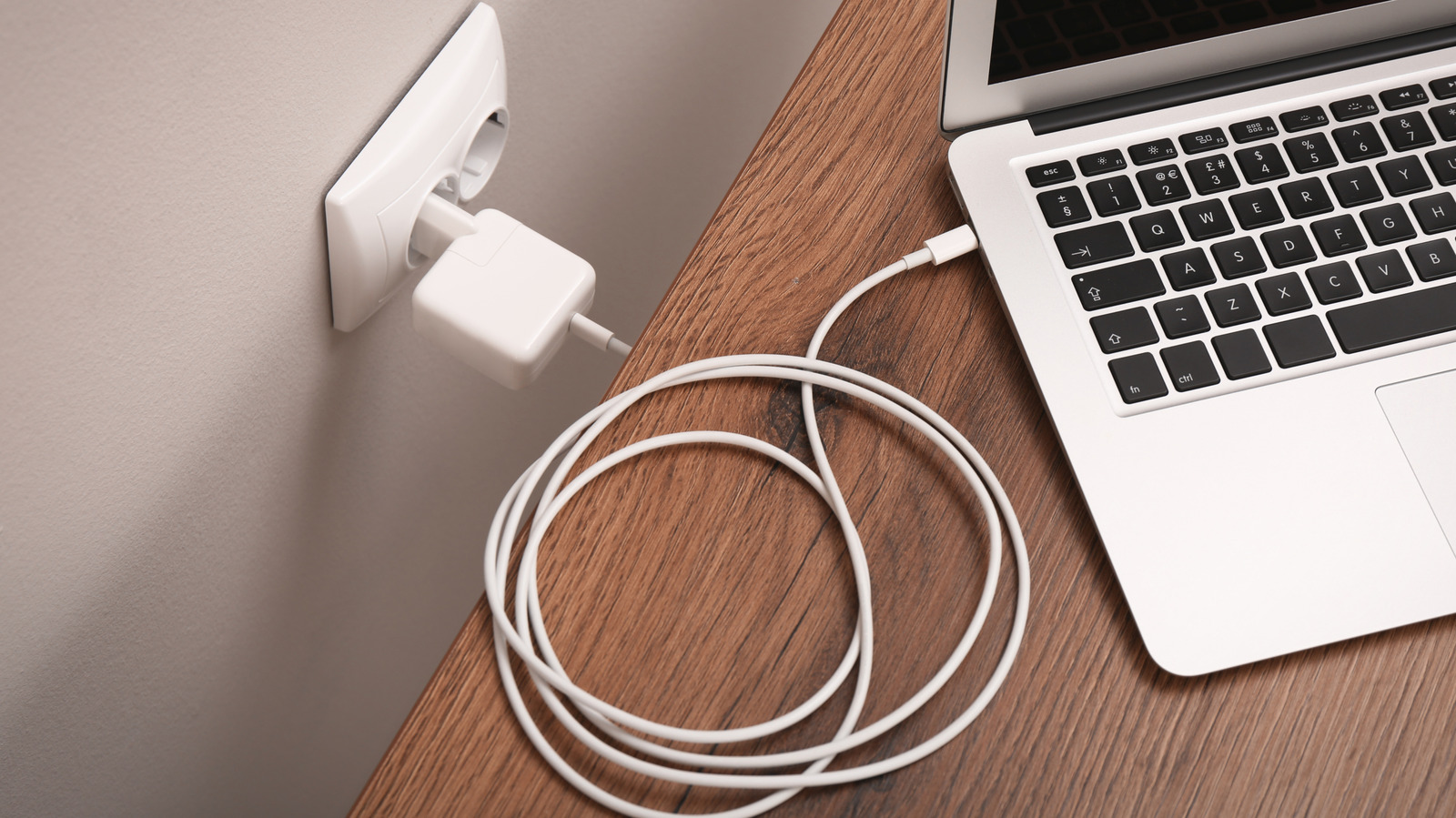
Using a USB-C laptop charger on your phone is almost always safe, thanks to the USB Power Delivery negotiation protocol. The phone controls how much power it draws, so a 100W or 140W brick won't fry it. The real dangers are counterfeit chargers and uncertified cables.
Phones and laptop chargers talk to each other before any power moves. The phone says, 'I only need 20 watts,' and the charger gives it just that, even if the charger could give 100. So plugging your phone into your laptop's charger is usually fine. Just make sure both are real, name-brand products.
Analysis
The USB Implementers Forum standard that governs the handshake
When you plug a USB-C laptop charger into a modern phone, the conversation that follows is choreographed by the USB Implementers Forum, the body that maintains the USB Power Delivery specification. According to the article, the protocol reverses the intuitive expectation: it is the phone pulling power, not the charger pushing it. The charger broadcasts its full range of supported power levels, and the phone selects the highest level its internal circuitry can safely accept. This negotiation is what prevents a 100W or 140W brick from overwhelming a phone rated for 20W.
That structure matters because it undercuts a persistent fear. Plenty of users assume that bigger numbers on a charger label translate to bigger risk. The article is explicit that this is wrong: more watts on the label simply means the charger has headroom for other devices, not that it will force maximum output into anything you connect. The handshake is the safety mechanism, not the wattage rating.
Apple's 20W threshold and the limits of branded fast charging
The article cites Apple's stated requirement that fast charging on many recent iPhones needs a 20W or higher USB-C adapter. A typical 65W laptop charger clears that bar easily, so iPhones will negotiate up to their rated ceiling and charge faster than they would on a basic 5W brick. But the iPhone's 20W cap is also a ceiling — a 100W charger won't make it charge any faster than a 20W one would, because the phone's own circuitry decides how much to pull.
The piece also flags a wrinkle: some smartphone brands ship their own proprietary fast-charging protocols that require a specific cable or power brick to hit advertised speeds. USB-PD is a common language, but it isn't the only one. A laptop charger might charge your phone safely but not at the maximum speed the marketing materials promise, a distinction worth knowing if you care about minutes saved.
Underwriters Laboratories and the certification markers that matter
The real risks the article surfaces have nothing to do with wattage. They center on counterfeit chargers and uncertified cables. Poorly engineered bricks can bypass the isolation barriers that separate AC mains from the DC output, allowing voltage spikes to pass directly to your phone. Low-quality USB-C cables may lack the internal pull-up resistor required by the spec, which can confuse the negotiation step entirely.
The article recommends checking for certification marks from Underwriters Laboratories (UL), Intertek (ETL), or the CE mark before trusting any charger. That advice is concrete and actionable, but it also points to a market failure: the proliferation of cheap, uncertified accessories on online marketplaces makes visual inspection harder than it sounds. Certification logos can be forged, and a buyer in a hurry has limited ways to verify them. The safety of the USB-PD ecosystem ultimately rests on the weakest link in the chain, and right now, that link is often the unbranded cable in the bottom of a drawer.
Key points
- USB Power Delivery lets phones pull only the wattage they can safely use, so a higher-rated laptop charger won't damage a phone
- Modern iPhones, Pixels, Galaxy devices, MacBooks, and Windows laptops all support USB-PD and negotiate power automatically
- Apple's fast-charging threshold for recent iPhones is 20W or higher, easily cleared by most laptop bricks
- Counterfeit or uncertified chargers can bypass safety isolation and pass voltage spikes directly to your phone
- Look for UL, ETL, or CE certification marks before plugging in any charger
As USB-PD becomes more universal, users can confidently use one charger across devices, reducing e-waste and the need to carry multiple bricks. Wider adoption of certified, interoperable chargers could also push low-quality counterfeit products out of the market as consumers grow more discerning.
Cheap, uncertified chargers and cables remain widely available online, and consumers who cannot tell the difference may still face real damage risks from counterfeit bricks that bypass isolation barriers. Smaller USB-C accessories that lack proper microcontrollers could also misbehave when paired with high-power chargers.