You Don't Have To Turn Off Your Phone To Switch SIM Cards (But You Probably Should)
A quick step removes the small chance of anything going wrong and requiring more of your time.
Intelligence analysis by Qwen 2.5 (3B)
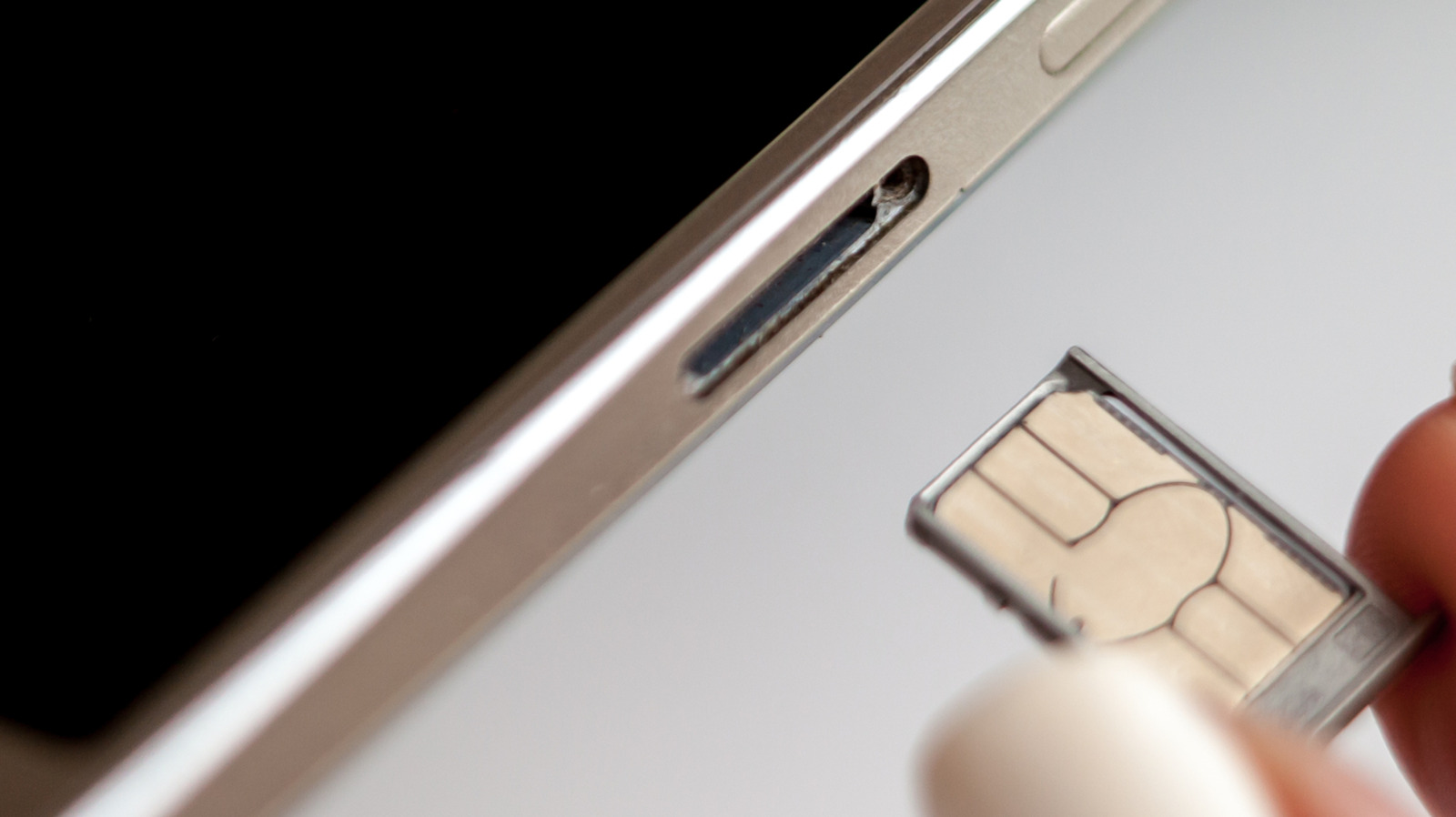
Most of today's smartphones let you switch SIMs with the phone on, so you don't need to switch your device off for the process.
When you change your SIM card, you don't need to turn off your phone. If you do, it helps your phone read the new information on the card more quickly.
Analysis
Physical Risks of SIM Replacement
When replacing a SIM card, you might accidentally insert dirt, grime or moisture into the SIM tray, or force a larger card into a smaller slot incorrectly. You could also break the SIM tray so it no longer aligns correctly, or otherwise harm the card. A damaged SIM card or one incorrectly inserted may cause the phone to continue trying (and failing) to create a network connection, draining its battery and causing it to overheat.
Benefits of Turning Your Phone Off Before Swapping the SIM
Forcing your phone to look at the fresh information provided on the new card when it powers on again can help register your device on its new network more quickly by reading the new carrier settings. This reduces the chance you'll encounter a software-based "network error" message when you swap.
Hot-Swapping SIMs
You don't need to switch your device off completely to make the phone refresh its carrier settings from the card. You'll get a similar result if you turn on airplane mode, wait 30 seconds before swapping the SIM and turn airplane mode off again once the new SIM is inserted.
Key points
- Most smartphones allow you to switch SIMs with the phone on
- Turning off your phone before swapping the SIM can help register your device on its new network more quickly
- Hot-swapping SIMs with airplane mode can also help refresh the carrier settings
Turning your phone off before swapping the SIM can prevent software-related glitches, making the process smoother.
If you don't turn your phone off, you might encounter a network error message after swapping the SIM.